What the modeller is
The modeller is a 3D editor written against this engine, in the same Dart, running on the same four backends. It imports a model, cleans it up, rigs it, poses it, lights it, renders it and exports it, and it does all of that to a document. The file on disk is what the document is saved to.
The rest of the design follows from that.
A document of commands #
The modeller never edits geometry in place. Every change is a ModelCommand: a named, serialisable object that takes a project and returns a new one, or refuses with a sentence somebody can act on. AddPrimitive, Extrude, SetMaterialField, BendJoint and SculptStroke are a few of about a hundred and thirty.
That gives three things a closure mutating a mesh can't:
| A history that says what it holds | "Undo" versus "Undo move three objects". A menu item can only read the second off a command that carries a sentence. |
| A journal that survives a crash | The project file records the commands that made it, one JSON object per line. A file that fails to open still replays up to the step before the one that broke. |
| An agent that can drive the editor | The MCP tool table is the command list: one tool per command, with arguments taken straight off the command. A closure cannot be listed, described, or called by name. |
The agent support was designed in from the start. An agent and a person reach the same document through the same doors, which is why a scripted scenario and a hand-driven session produce byte-identical files, and why the tutorial's cases are tested by replaying their journals from nothing.
Ten modes over one project #
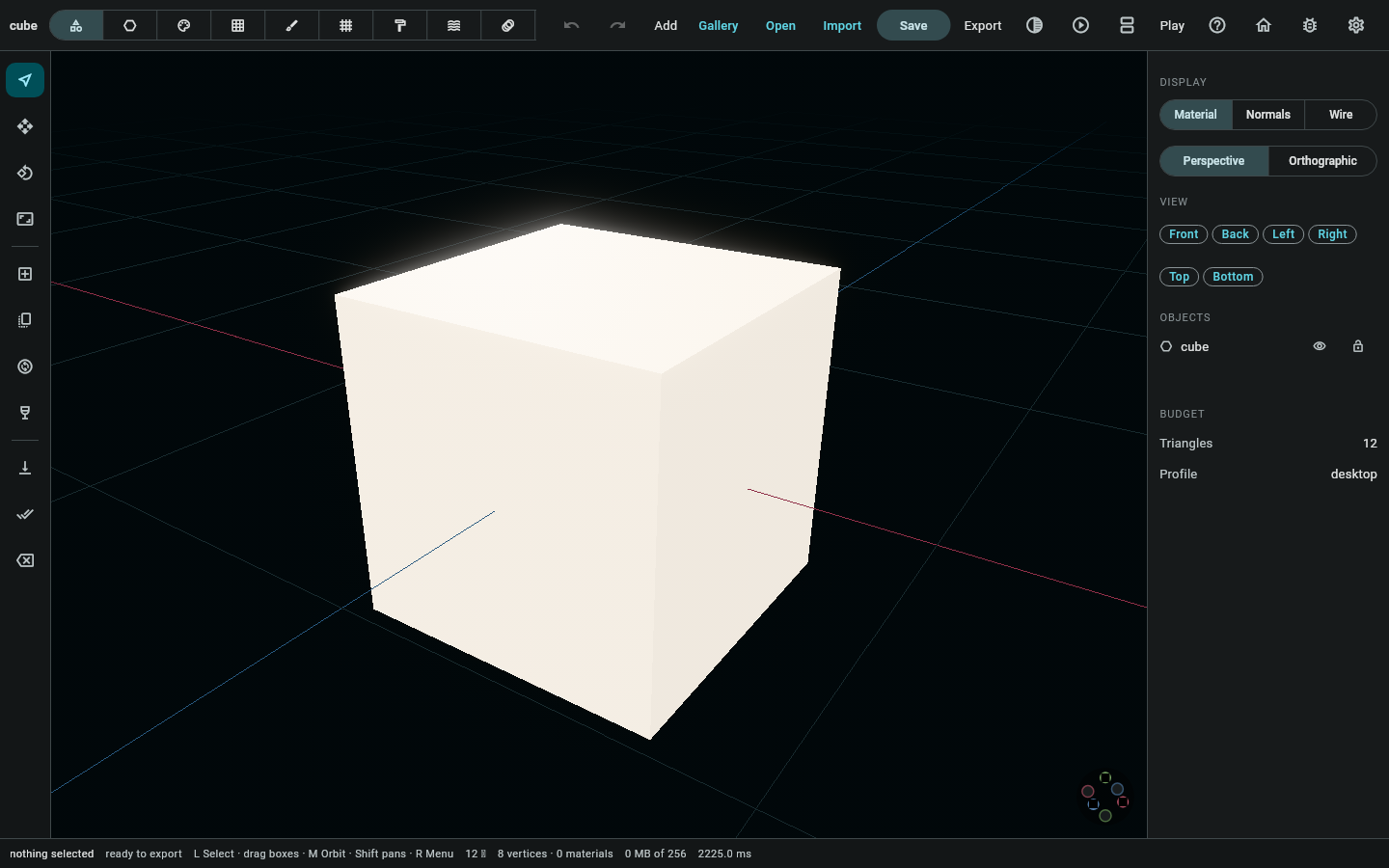
The mode switcher is one document seen ten ways, with no separate editor behind each mode. A mode is a rail of tools plus a panel that knows what those tools need.
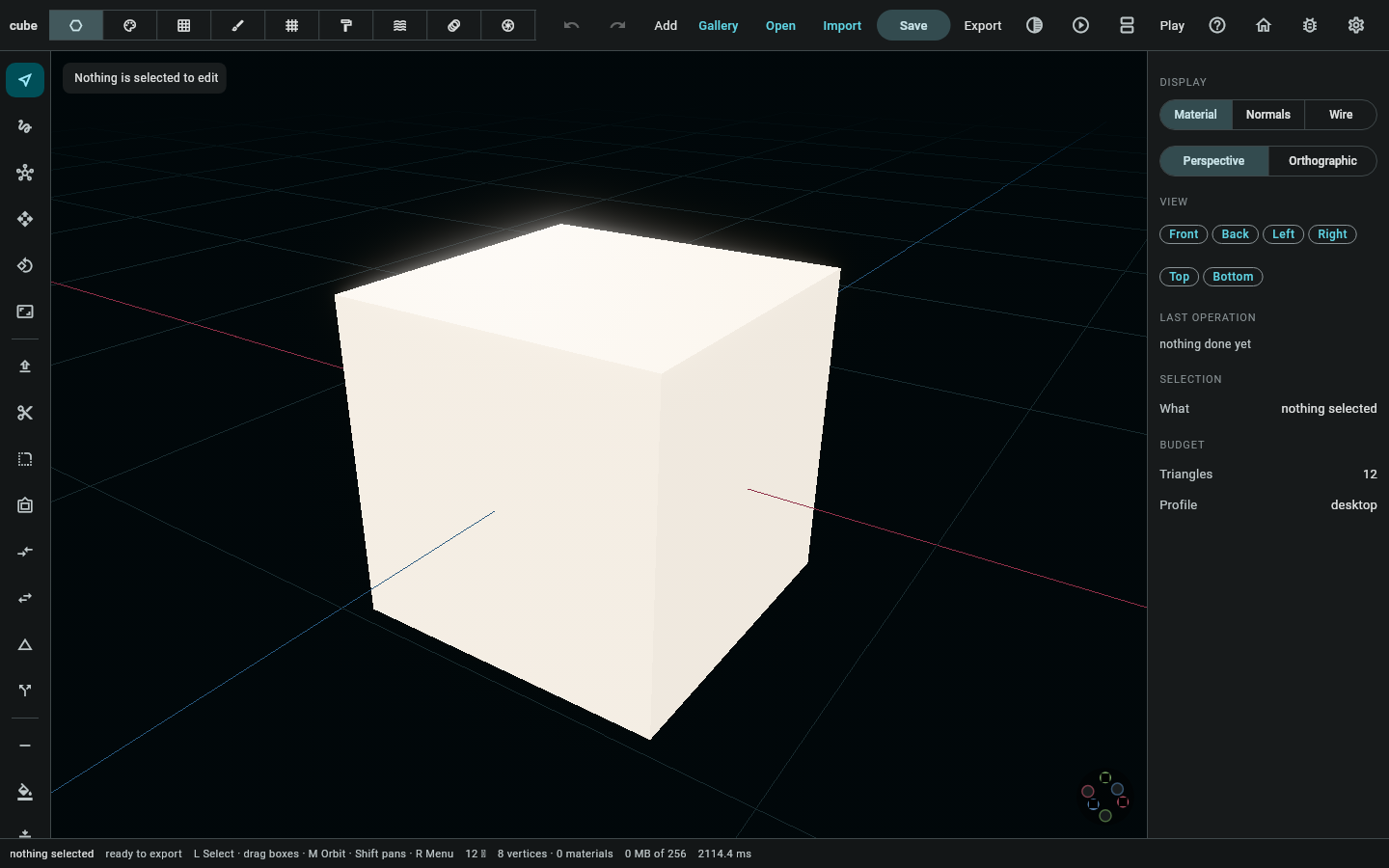
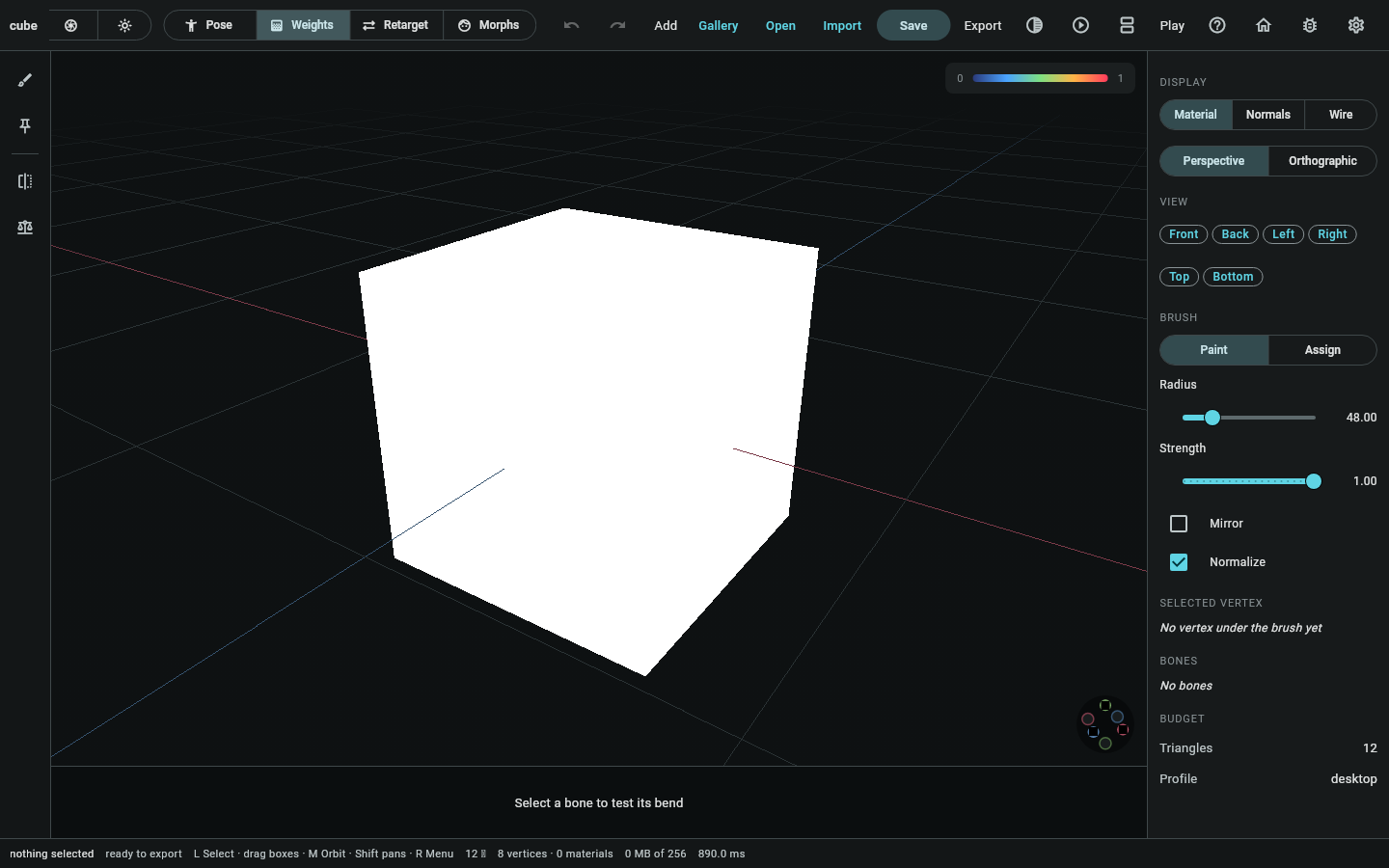
Object places, moves and parents whole things. Mesh edits geometry at vertex, edge and face level, over a half-edge structure that can answer "which faces meet here" without searching. Material and Paint handle surfaces, one through fields and one through a brush. Sculpt makes the shape right and Retopo then makes it drawable. Animation has four sub-modes of its own: pose, weights, morphs and retarget.
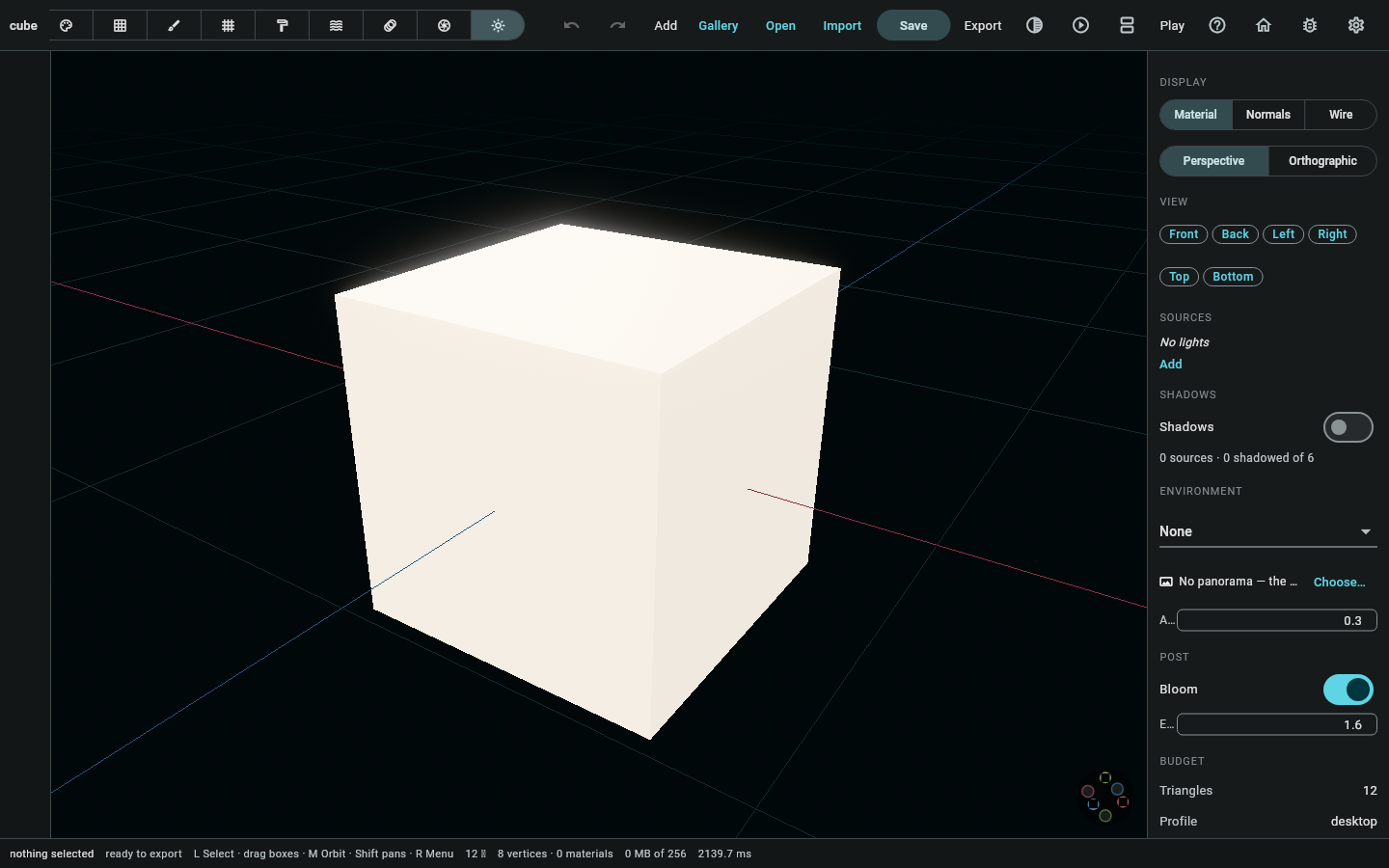
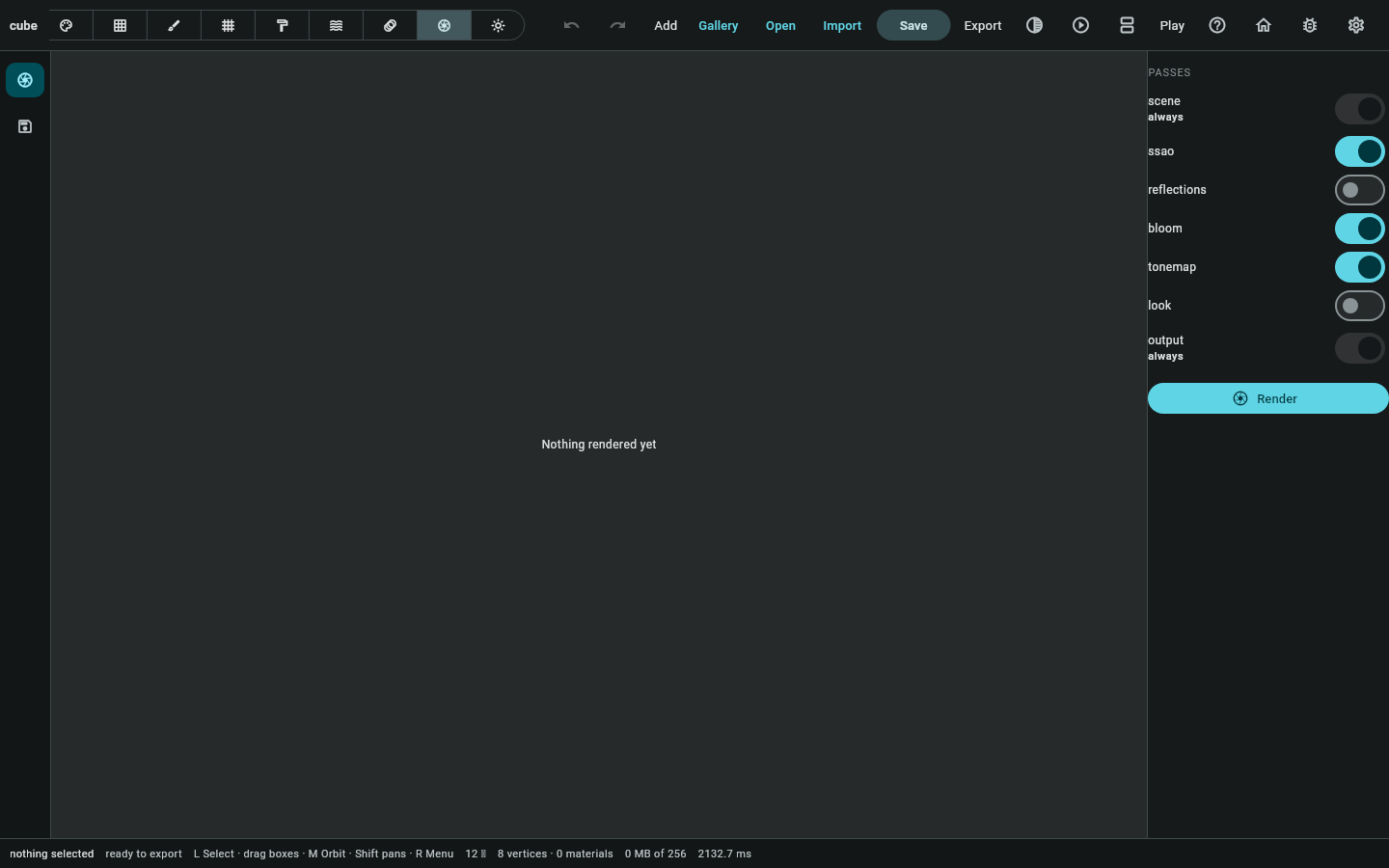
Scene is lights, shadows, environment and post. Render is the still image at the end of it.
What it does not try to be #
It is not Blender, and it isn't trying to become Blender. It has no node graph and no physics authoring, you can't unwrap a whole atlas by hand-drawn seams at once, and sculpting stops well short of ten million triangles. Each of those is a real program's worth of work, and shipping a bad one is worse than leaving it out.
What it does offer is the shortest path from "somebody sent me a scan" to "this is in my game and it animates". The tutorial walks that path six times, from six different starting points.
Where it runs #
It runs on macOS, Windows, Linux, iOS, Android and the web from one source tree. That is the same reach the engine has, for the same reason: nothing in the modeller goes past the HAL. The web build edits as well as displays, which is what the demo page covers.